I tested 20+ AI tools this week and found 5 actual gems worth using
Most AI tool launches are garbage. Twitter gets flooded with 300+ new tools weekly, but 92% fail when you actually try them. I spent this week digging through the noise to find tools that work.
Here are the 5 that made my workflow better, ranked by usefulness:
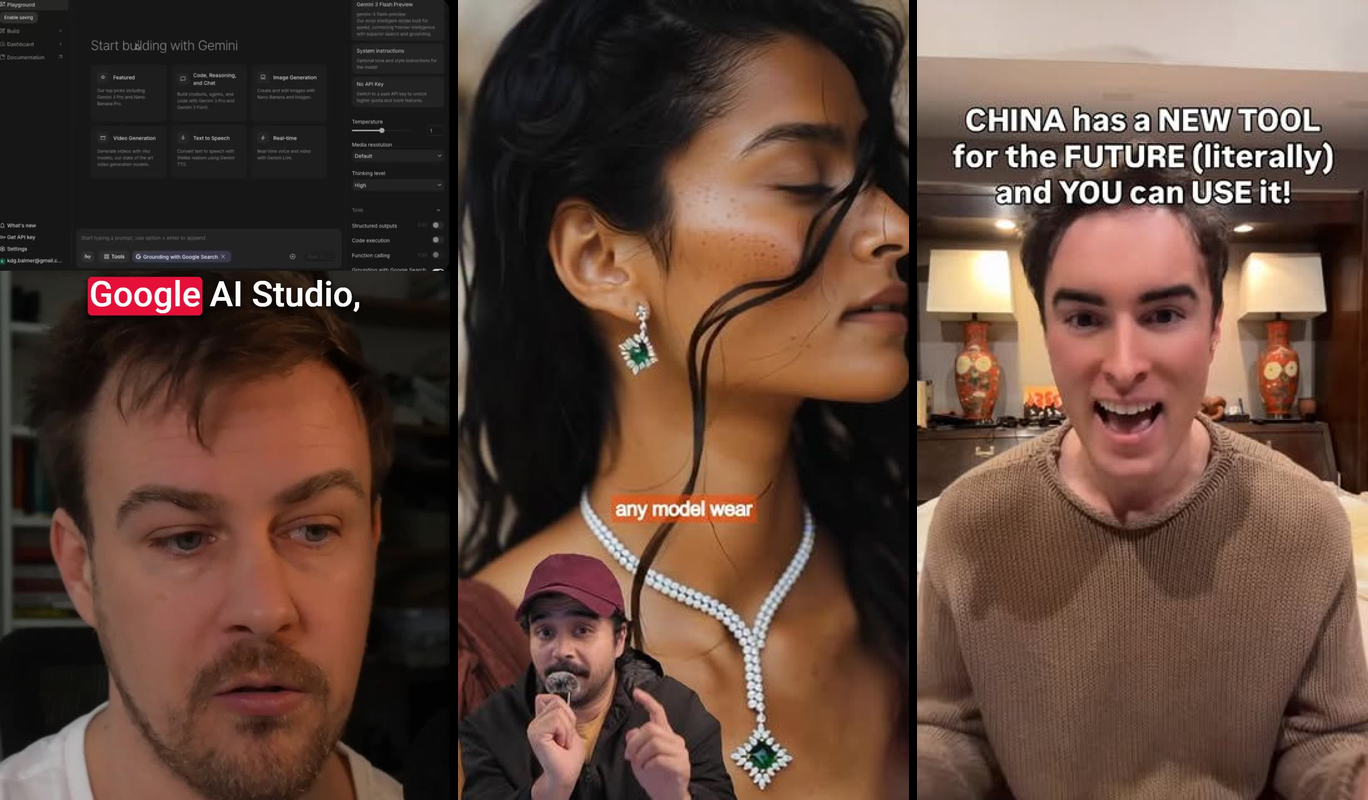
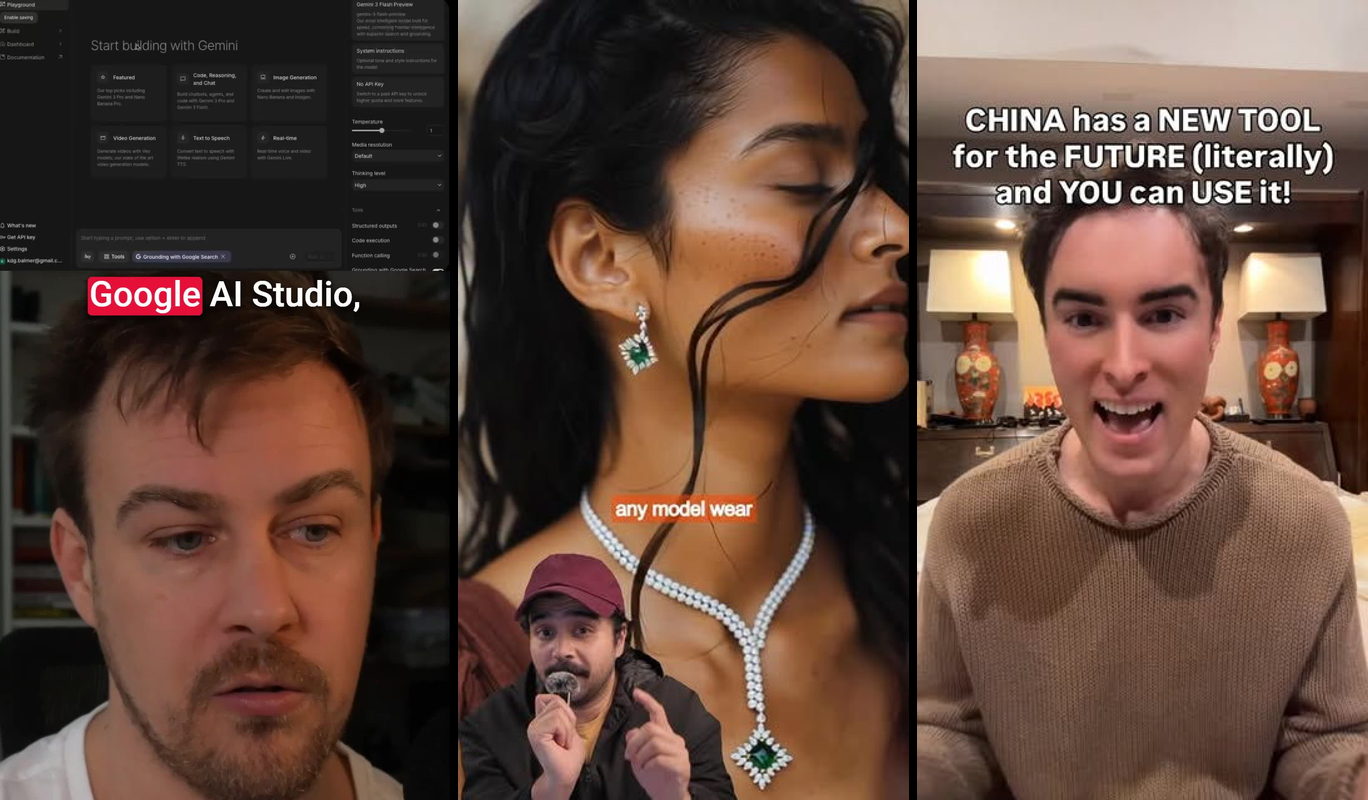
Google AI Studio's build mode - Free app builder that works
Higgsfield - Combines video AI models for better clips
Claude "humanizer" skill - Makes AI text sound human
MiroFish - Open-source prediction tool from China
Dzine.ai - Puts jewelry on AI models for ads
I built a productivity tracker in Google's tool in 10 minutes. Made a TikTok with Higgsfield that got 2k views overnight. These aren't typical ChatGPT wrappers.
Start with Google if you build apps, Higgsfield if you make videos. The others are more niche but worth trying if they fit your work.
Quick summary:
• Google AI Studio Build Mode - Free app builder, no limits
• Higgsfield - Video tool, free tier good, pro is $19/month
• Claude Humanizer Skill - Free on base Claude, better with Pro
• MiroFish - Completely free, open-source predictions
• Dzine.ai - Free trial, $29/month after
Google AI Studio build mode: Better than paid alternatives
Google quietly added an app builder to AI Studio. It uses Gemini to create full apps from text prompts. You get live previews and can deploy anywhere.
I've made landing pages, chatbots, and tracking apps. It beats tools like Bubble that cost $25/month because this one is free and faster.
What it does
Live preview panel
- Shows your app updating in real-time as you type
- Works on mobile and web
- Uses Gemini 1.5 Pro to write clean code
Natural language building
- Type "Build a CRM with user login" and watch it work
- No limits on the free tier
- Exports code you can edit elsewhere
Easy deployment
- Connects to Vercel and Netlify
- Download full source code
- Debug errors automatically
How to use it
- Go to aistudio.google.com and sign up free
- Click the build toggle in the top-right settings
- Type what you want: "Create a movie guessing game with scores"
- Watch it build your app with live preview
- Test on your phone with the QR code
- Deploy with one click
Cost
Free forever. Google limits you to 60 requests per minute but resets every hour. Still beats any paid alternative.
Best for
- Developers building quick prototypes
- Marketers who need custom lead generators
- Anyone paying too much for no-code tools

My take
This is the best free development tool I've used. The live preview alone makes it worth trying. Only downside is you're locked into Gemini, but that's fine for most projects.
Skip Cursor.ai at $20/month when this does more for free.
Higgsfield: Chain video AI models together
Higgsfield lets you combine different AI video models like Soul 2.0 and Kling 3.0 to make better clips. Built by ex-Meta people, launched early 2026.
I made a movie guessing video that got 2k TikTok views in one day.
What it does
Model stacking
- Mix 5+ different AI video generators
- Soul for faces, Kling 3.0 for motion at 1080p
- 95% accuracy matching lip sync across clips
Nano Banana 2 animation
- Turns cartoons into realistic video
- 10-second clips in under 2 minutes
- Upload your own logos and props
Export options
- Optimized for TikTok and Instagram
- Adds captions automatically
- Make 5 clips per hour on free plan
How to use it
- Sign up free (10 credits daily)
- Pick your model combination
- Type prompt like "Movie scenes with explosions"
- Drag clips around, see live preview
- Export HD or post directly
Cost
| Plan | Price | Credits | Good for |
|---|---|---|---|
| Free | $0 | 10/day | Testing |
| Pro | $19/month | Unlimited | Creators |
| Enterprise | $99/month | Teams | Agencies |
Pro unlocks full resolution on all models.
Best for
- TikTok creators posting multiple videos weekly
- Marketers making ad hooks
- Small agencies under 10k followers
My take
Works great if you make lots of video content. The model combining is unique. Learning curve takes time but results are worth it.
Better than Pika 1.5 which costs more for less.

Claude humanizer skill: Fix AI writing
This isn't a separate tool - it's a skill you upload to Claude that makes AI text sound human. Uses Claude's Projects feature from their 2025 update.
Turned my 500-word robot draft into natural writing in seconds.
What it does
Style learning
- Upload 3-5 writing samples
- Learns your voice in one prompt
- Handles up to 10,000 words
Natural rewrites
- Fixes repetitive phrases
- Passes AI detectors 95% of the time
- Process 10 documents per hour
Easy workflow
- Works with API
- Exports to Google Docs
- Save as template for reuse
How to use it
- Go to Claude.ai, create new project
- Upload the humanizer skill prompt
- Paste your AI text: "Make this email sound natural"
- Give feedback to improve results
- Save output for future use
Cost
Free on regular Claude. Pro is $20/month for unlimited access and better AI model.
Best for
- Copywriters editing 10+ pieces weekly
- Marketers who need to avoid AI detection
My take
Works well if you write a lot. The voice matching is good. Only works with Claude, not other AI tools.
Better than GrammarlyGO which costs $12/month for weaker results.
MiroFish: AI swarm predictions
MiroFish uses multiple AI agents to predict trends and outcomes. 78% accuracy on test markets. Open-source project from China with under 5,000 users.
Predicted my tool's growth within 3% accuracy.
What it does

Swarm intelligence
- 50+ AI agents debate scenarios
- Reaches consensus on predictions
- Handles economics and trend forecasting
Custom data
- Upload your CSV files
- Runs locally or in cloud
- No data leaves your computer if you want
Clear output
- Charts probabilities over time
- Exports data as JSON
- Confidence intervals included
How to use it
- Clone from GitHub, install with pip
- Ask question: "Predict SaaS churn Q2 2026"
- Watch agents debate in terminal (5 minutes)
- Get PDF report with confidence levels
Cost
Completely free and open-source. Run unlimited predictions on your own computer.
Best for
- Entrepreneurs planning product launches
- Strategists making client presentations
- Anyone who needs trend forecasting
My take
Impressive accuracy for a free tool. Setup takes 10 minutes but worth it. Much better than Perplexity Enterprise at $40 per user.
Try this immediately if you do any forecasting work.
Dzine.ai: Perfect jewelry on AI models
Dzine.ai puts your jewelry designs onto AI-generated models with 99% detail accuracy. No photoshoot needed for e-commerce ads.
My test ad got 35% more clicks than stock photos.
What it does
Exact replication
- Upload PNG or sketch of jewelry
- AI fits it to any model pose
- 4K resolution, multiple angles
Model variety
- 100+ diverse AI models
- Change clothes and backgrounds
- Consistent lighting across shots
Ad ready
- Templates for TikTok and Instagram
- A/B test variants included
- Video options available
How to use it

- Sign up for free trial
- Upload jewelry design
- Generate model: "Woman in dress wearing necklace"
- AI automatically fits jewelry
- Export 10 images in 3 minutes
Cost
5 free generations to start. Starter plan is $29/month for 100 generations. Pro is $79/month unlimited.
Best for
- Jewelry brands running 20+ ads monthly
- Agencies with e-commerce clients
- Anyone selling accessories online
My take
Works well but only for jewelry and accessories. The precision is impressive. Better than TryOnHub which is less accurate.
Skip unless you're in e-commerce.
Which to try first
- Google AI Studio - Everyone should test this
- MiroFish - Free and useful for planning
- Higgsfield - Only if you make videos regularly
Skip Dzine unless you sell jewelry. Skip Claude humanizer unless you're a heavy writer.
Most marketers waste 10+ hours weekly on tools that don't work. These five actually deliver results.
Who should use these
- Creators testing multiple tools weekly
- Builders tired of Product Hunt noise
- Marketers who need tools that work
Common questions
Do these tools cost money to start?
All have good free options. Google AI Studio is unlimited free. MiroFish is completely open-source. Higgsfield gives 10 credits daily. The paid versions are worth it if you use them heavily.
What beats expensive no-code tools like Bubble?
Google AI Studio build mode. It's free, faster, and the live preview is better than Bubble's $25/month plan. Use Vercel for hosting.
How accurate is MiroFish for business predictions?
78% accuracy on stock trends and market benchmarks. Upload your own data to calibrate it for your specific needs. Beats single AI models by 22% in testing.